claude-profiles
Run multiple Claude Code accounts on one machine. Pick an account per project, and move a conversation between accounts when one hits its usage limit.


Why
Claude Code stores one login. Signing into a second account logs the first one out, and each account can only see its own conversation history. That hurts in three ways:
-
Work and personal accounts
Constant re-authentication to move between them. With profiles, both stay signed in and switching is instant.
-
Usage limits
You stop dead mid-conversation even when another account has capacity. Session handoff lets you continue where you left off.
-
Wrong account by accident
Easy to do on a client project. A marker file selects the right account when you
cdinto the repo.
See it work
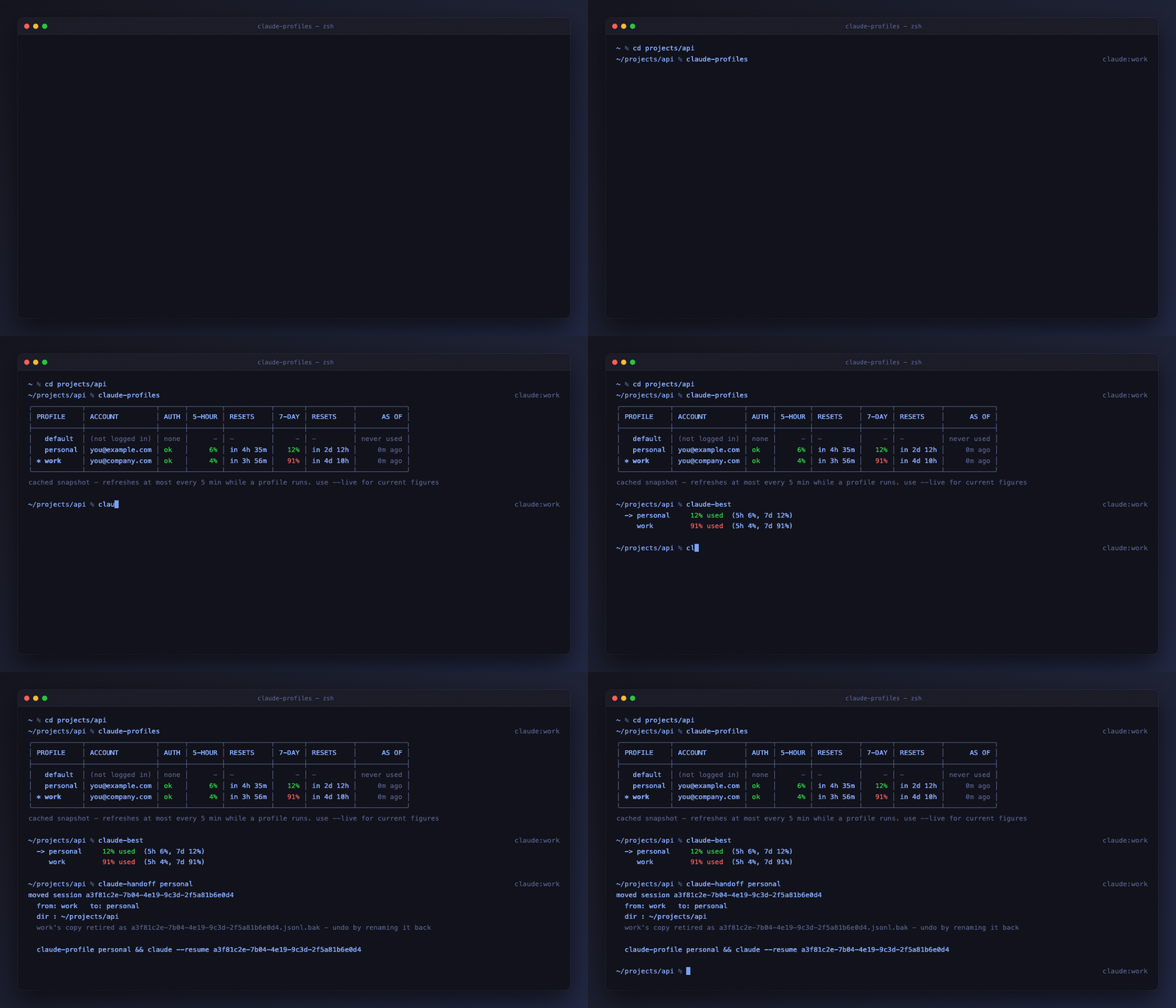
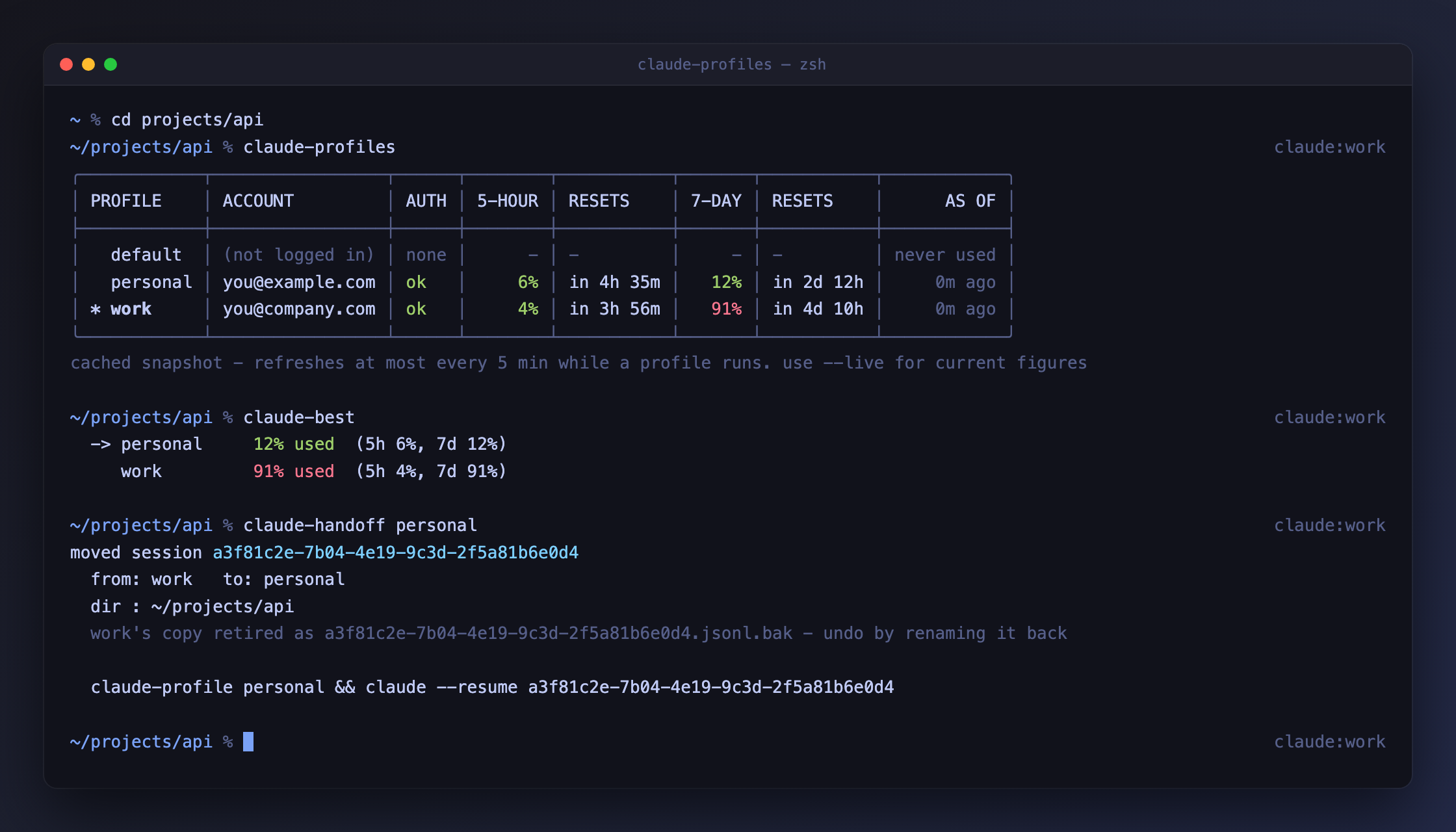
work is 91% through its weekly limit, personal has room, and the
conversation moves across in one command.
Quick start
git clone https://github.com/Nandeep2750/claude-profiles.git ~/.claude-tools
sh ~/.claude-tools/install.sh
exec $SHELL -l          # or just open a new terminal
claude-profile work      # create + switch to a profile named "work"
claude                   # then /login with that account
claude-profiles          # see every profile and who is signed into it
╭───────────┬─────────────────────┬──────┬────────┬───────────┬───────┬───────────┬────────────╮
│ PROFILE   │ ACCOUNT             │ AUTH │ 5-HOUR │ RESETS    │ 7-DAY │ RESETS    │      AS OF │
├───────────┼─────────────────────┼──────┼────────┼───────────┼───────┼───────────┼────────────┤
│ * default │ you@example.com     │ ok   │    59% │ in 53m    │   40% │ in 4d 23h │     1h ago │
│   work    │ you@company.com     │ ok   │     3% │ in 1h 13m │   87% │ in 2d 18h │     2h ago │
│   client  │ (not logged in)     │ none │      - │ -         │     - │ -         │ never used │
╰───────────┴─────────────────────┴──────┴────────┴───────────┴───────┴───────────┴────────────╯
Two accounts signed in at once is normal - that is the whole point. The usage
columns show which one has room before you start, so you are not surprised
mid-conversation. Both limits are shown because they run on separate clocks:
work above is fine for the next five hours but 87% through its week.
Those figures come from a cache Claude Code refreshes at most every five
minutes, and only while that profile is running - so add --live when the
numbers actually matter:
It fetches each signed-in account's current usage in parallel and costs no model tokens - it reads a usage endpoint, it does not run a prompt. Any profile whose fetch fails falls back to its cached value rather than breaking the table. More →
Profiles share nothing
Each profile is a complete, separate copy of Claude Code's configuration - MCP servers, plugins, settings and conversation history included. See What's shared, what isn't.
How it works, in one line
Claude Code reads CLAUDE_CONFIG_DIR and derives its credential slot from that
path, so each profile gets its own login. Nothing here patches Claude Code -
see How it works for the details.
Commands
| Command | Does |
|---|---|
claude-profiles |
List every profile and which account is signed into it |
claude-profile NAME |
Switch to NAME, creating it if needed |
claude-sessions |
List this directory's conversations, readably |
claude-handoff NAME |
Move this directory's latest conversation to profile NAME |
claude-profile-remove NAME |
Delete a profile, its conversations and its credentials |
claude-profile-exec NAME CMD |
Run one command under a profile without switching |
claude-profile-clone SRC DST |
Seed a profile's settings from another one |
claude-doctor |
Check the installation for problems |
claude-update |
Check for and pull a newer version |
claude-profiles statusline |
A status line for inside Claude Code |
claude-auto |
Launch Claude on whichever account has the most room |
claude-best |
Which account has the most headroom |
claude-clear |
Delete one project's sessions, with a prompt |
claude-prune |
Delete sessions by age, orphaned, or leftovers (dry run by default) |
claude-profiles --live |
Current usage figures instead of the cached snapshot |
Full flag reference: Commands.
Knowing which account you are on
The shell prompt vanishes once Claude Code takes over the terminal, so there are two indicators:
claude-profiles statusline --install-all    # inside Claude Code
export CLAUDE_PROFILE_PROMPT=1              # in your shell prompt
Supported platforms
macOS, Linux, WSL, Git-Bash, and native Windows PowerShell. Requires python3
and Claude Code.